
Retargeting
Retargeting lets you reach people who have already visited your site — the ones who browsed a product, added to cart, or read a page but didn't convert. You place a lightweight pixel on your site to build visitor lists (audiences), then point a campaign at those lists so the ad serves only to people already on them.
How matching works — and its limits
ADBNK recognizes returning visitors on a best-effort basis.
Best-effort, not person-precise
This is best-effort matching, not exact tracking of individuals. A visitor may no longer be recognized after clearing browser data, switching browsers, using private/incognito mode, or changing devices. Treat audience sizes and reach as approximate, not a headcount of unique people.
For privacy, audience lists store only irreversible identifiers — no personally identifying information. Members are also dropped automatically when their retention period ends.
Build a visitor list (audience)
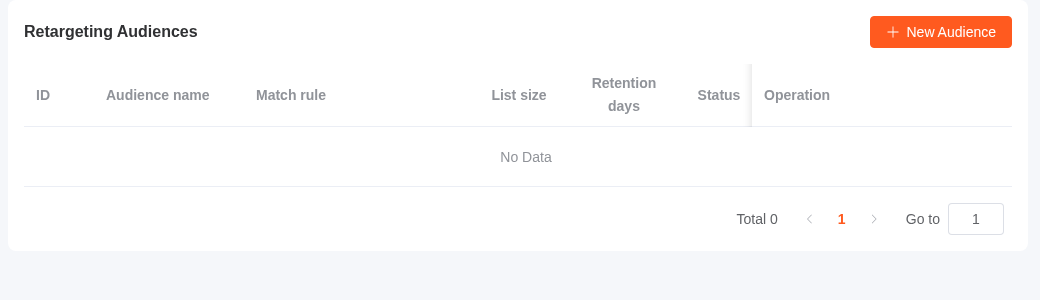
In the advertiser console, open Retargeting Audiences — reached from the Manage audiences link next to Retargeting audiences in a campaign's Advanced settings — and create an audience. An audience is a name plus a match rule (who joins) and a retention period (how long they stay).
A visitor joins the list when their activity matches the rule:
| Match by | Joins when | Example |
|---|---|---|
| Page URL contains | The page URL contains your value (empty value = any page) | /product/ |
| Page URL equals | The page URL matches exactly | https://shop.example.com/cart |
| Page URL starts with | The page URL begins with your value | https://shop.example.com/checkout |
| Page URL regex | The page URL matches your regular expression | /product/\d+ |
| Custom event | You report a named event from your page (see below) | add_to_cart |
You can also set an optional minimum time on page so only visitors who stayed a while qualify.
Retention days controls how long a visitor stays on the list after they match — default 30 days, configurable up to 540. When it expires, the member is removed automatically. Changing the retention period applies going forward as members are seen again.
Install the pixel
Each audience comes with its own pixel snippet, with your advertiser ID already filled in. Paste it into every page of your site, just before </head>:
<script>window.AdbnkAud = { aid: 12345 };</script>
<script async src="https://track.adbnk.co/track/audience.js"></script>
On each page load, the pixel reports a page view and evaluates it against your audience rules. It runs in the background and never blocks or breaks your page.
Report a custom event
For rules that match a custom event (add-to-cart, checkout, sign-up, etc.), call the helper at the moment the action happens — for example in your add-to-cart handler:
window.adbnkAudience('add_to_cart');The event name must match the one configured on the audience.
Retarget in a campaign
On the new-campaign page (or when editing a campaign), open Advanced settings → Audience details and find Retargeting audiences. Select one or more of your lists, and the campaign serves only to visitors already on those lists.
Leaving it empty means no retargeting — the campaign reaches all eligible traffic like any other. Audience targeting stacks with the campaign's other targeting (geo, device, schedule, and so on): a request must be on a selected list and pass every other dimension to win.
Common setups
- Cart abandoners — audience rule
Page URL contains /cart, then a campaign that serves only that list. - Product viewers, not buyers — build a "viewed product" list and a "purchased" list, target the first, and exclude buyers by not adding them to the campaign's audience.
- Engaged readers — a
Custom eventaudience fired on a key action, with a longer retention window.